Solar Motion Sensor Light Not Working? 5 Quick Fixes
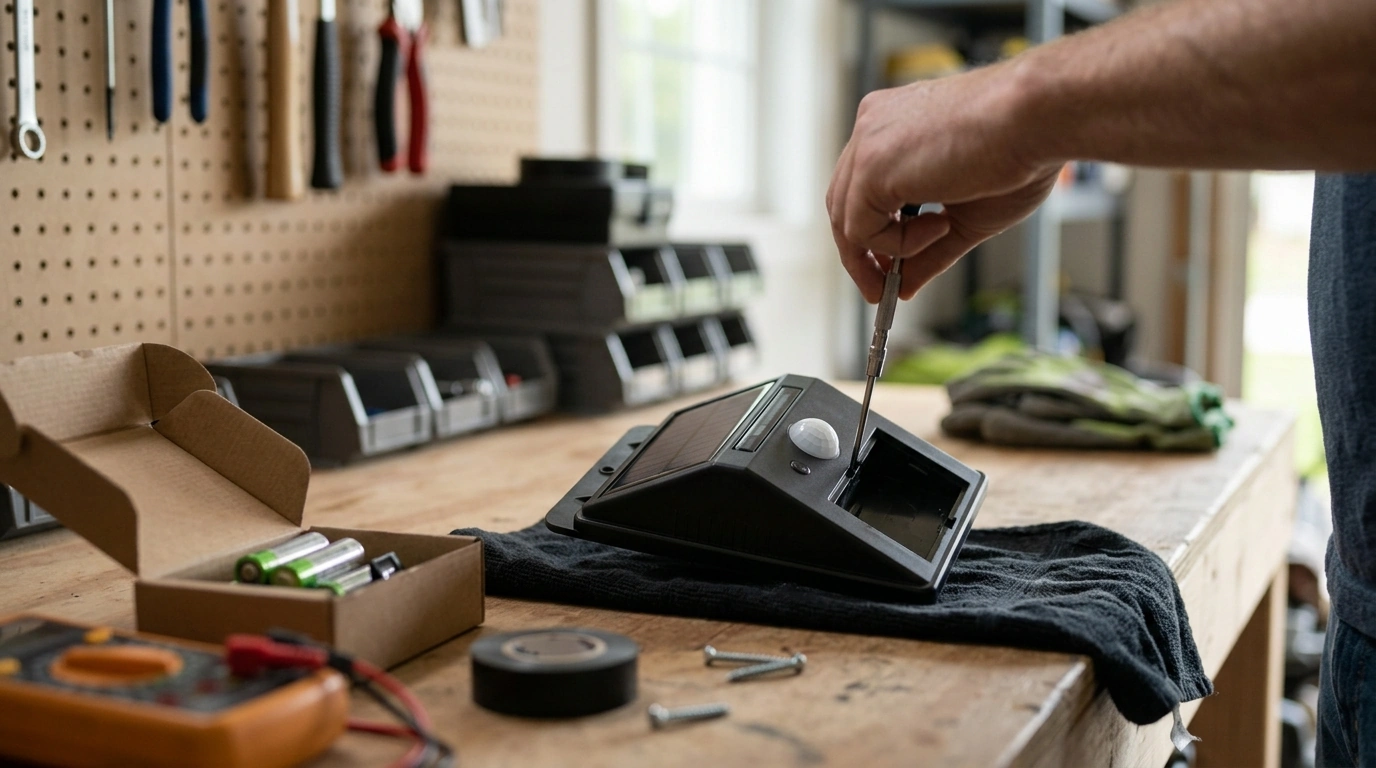
Why isn’t my solar-powered motion sensor light working?
When a solar-powered motion sensor light stops working, the cause is usually simple: it isn’t charging enough, the battery can’t hold a charge, the sensor can’t “see” motion properly, or the settings are fighting your expectations. A quick, systematic check can save time and prevent unnecessary replacements.
1) Confirm the light is actually charging
Start with the solar panel. Wipe off dust, pollen, or bird droppings and make sure the panel faces direct sunlight for several hours. Even partial shade from eaves, branches, or a fence can reduce charging enough that the light never reaches a usable battery level. If possible, test by placing the panel in full sun for a day.
2) Check the power switch and operating mode
Many units have an on/off switch plus mode buttons (motion-only, dusk-to-dawn, dim+boost). If it’s set to “off,” “test,” or an ambient-light mode you didn’t intend, it may appear broken. After changing modes, give it time to re-calibrate at dusk.
3) Rule out battery issues
Rechargeable batteries wear out, especially in extreme heat or cold. If the light is older or has been through a few winters, the battery may charge but drop voltage too quickly to trigger the LEDs. If your model allows replacement, match the battery type and capacity recommended by the manufacturer and ensure correct polarity.
4) Inspect sensor placement and interference
Motion sensors can be blocked by decorative covers, thick dirt, or nearby objects that cause false triggers. Aim the sensor toward the area of movement, not directly at a busy street, HVAC vents, or reflective surfaces that can confuse detection. Also confirm the sensitivity and timer settings aren’t set too low.
5) Try a full reset
Turn the unit off, let it sit for a minute, then turn it back on and leave it to charge in full sun. Some lights also reset by switching modes repeatedly or holding a button—check your manual if available.
For a deeper walkthrough and additional troubleshooting scenarios, visit the main guide on solar motion sensor light issues.
FAQ
How do I know if my solar motion light battery needs replacing?
If it charges all day but only lights briefly (or not at all) at night, or the brightness drops quickly after activation, the battery is likely weak. Visible corrosion in the battery compartment or swelling (where applicable) also points to replacement.











Leave a comment